Batch Image Compressor | Bulk Unlimited images, all at once
Batch Image Compressor
Compress multiple JPG, PNG, WebP images simultaneously. All processing happens in your browser – your files never leave your device.
Upload & Compress
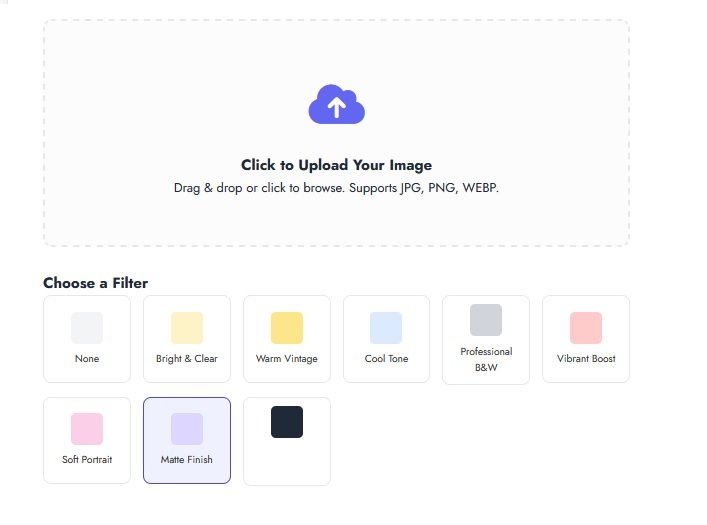
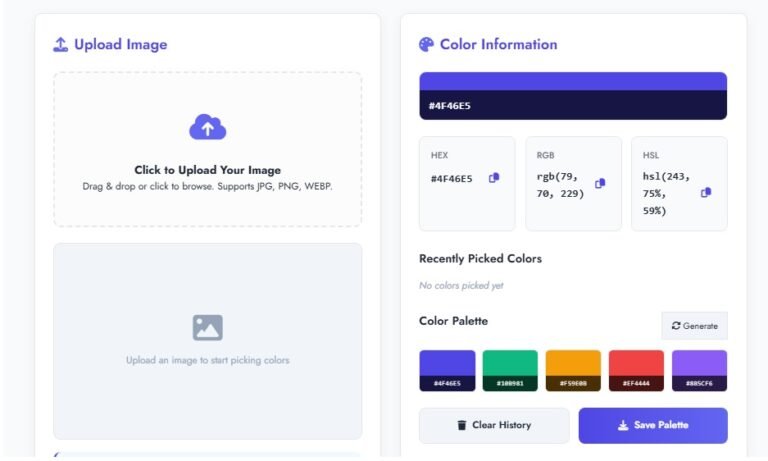
Click to Upload Images
Drag & drop or click to browse multiple images. Supports JPG, PNG, WebP.
Processing images…
No images selected yet
Compression Results
Your Compressed Images Are Ready!
All 0 images have been compressed and packaged in a ZIP file.
The ZIP file contains all compressed images
How to Use This Tool
- Upload multiple images using drag & drop or file browser
- Select target size or adjust quality slider
- Choose output format (keep original or convert)
- Click Compress to process all images
- Download all compressed images as ZIP file
Related Image Tools
Use these tools after batch compression:
Single Image Compression
Need to compress individual images to specific sizes?
More Compression Tools & Resources
Explore other useful tools from our partners:
Frequently Asked Questions
Is my data secure with this tool?
Yes, absolutely! All image processing happens locally in your browser using JavaScript. Your images never leave your computer and are not uploaded to any server. This ensures 100% privacy and security.
What image formats are supported?
The tool supports JPG, PNG, and WebP formats. You can compress these formats individually or in combination. You can also choose to convert all images to JPG or WebP format during compression.
How many images can I compress at once?
There’s no strict limit, but browser memory may become a constraint with very large batches (100+ images). For optimal performance, we recommend processing 20-50 images at a time.
Will image quality be noticeably reduced?
The compression uses intelligent algorithms to reduce file size while preserving visual quality. You control the balance between size and quality using the quality slider (85% is recommended for most uses).
How do I download the compressed images?
After compression completes, all images are packaged into a ZIP file for easy download. You’ll see a download button appear with the option to download all images at once as a single ZIP file.
Can I compress images for specific purposes?
Yes! Use the target size options for common use cases: 100KB for web forms, 250KB for email, 500KB for websites, or 1MB for general storage. You can also set a custom size.
Security & Privacy Guaranteed
Your images are processed locally on your device. No uploads, no server storage, no third-party access.