Color Picker online | HEX Color Picker | Color from Image
Online Color Picker
Extract colors from any image. Get HEX, RGB, and HSL values instantly. All processing happens in your browser – your images never leave your device.
Upload Image
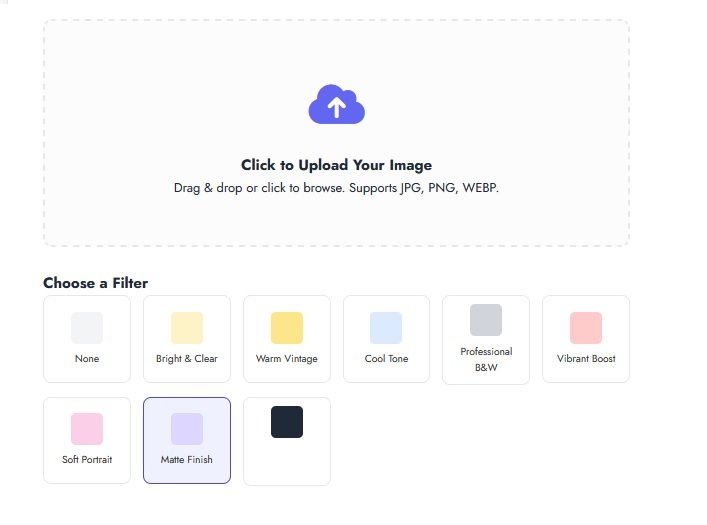
Click to Upload Your Image
Drag & drop or click to browse. Supports JPG, PNG, WEBP.
Upload an image to start picking colors
How to Use This Tool
- Upload an image by clicking the area above or dragging & dropping
- Click anywhere on the image to pick a color from that pixel
- Copy the color values (HEX, RGB, HSL) with one click
- Generate a color palette from your image colors
Color Information
Recently Picked Colors
Color Palette
Frequently Asked Questions
How does this color picker work?
Upload an image, then click anywhere on it to select a color. The tool extracts the exact pixel color and displays it in HEX, RGB, and HSL formats. You can also generate a complete color palette from your image.
Is my image uploaded to a server?
No. Just like our other tools, all processing happens locally in your browser. Your images never leave your computer, ensuring complete privacy and security.
What color formats are supported?
We display colors in HEX (#RRGGBB), RGB (rgb(R, G, B)), and HSL (hsl(H, S%, L%)) formats. You can copy any of these values with one click.
Can I generate a color palette from my image?
Yes! Click the “Generate” button to create a 5-color palette extracted from your uploaded image. This is perfect for designers creating color schemes.
How accurate is the color picker?
The tool picks the exact pixel color you click on. We also provide a zoom preview to help you select precise colors from detailed images.
Can I use this tool on mobile devices?
Absolutely! The color picker is fully responsive and works on smartphones, tablets, and desktop computers.
Unlike many online editors, we don’t upload your files to any server. Everything is processed locally in your browser, following the same security principle as our MB to KB converter.