PDF to Word Converter | Convert PDF to DOC Online Free
PDF to Word Converter
Convert PDF files to editable Word documents (DOCX/DOC) instantly. All processing happens in your browser – your files never leave your device.
Convert PDF to Word
Click to Upload PDF
Drag & drop or click to browse PDF files. Maximum file size: 50MB.
Converting PDF to Word…
PDF Preview
Preview will appear here
Conversion Results
Your PDF has been Converted!
The PDF has been successfully converted to Word format and is ready to download.
The document is fully editable in Microsoft Word
How to Use This Tool
- Upload your PDF file using drag & drop or file browser
- Preview the PDF to ensure it’s the correct document
- Select your preferred Word format (DOCX or DOC)
- Click Convert to transform PDF to editable Word
- Download your converted Word document instantly
Related Tools
Use these tools for other file conversion and editing needs:
More PDF & Document Tools
Explore other useful tools from our partners:
Frequently Asked Questions
Is my data secure with this tool?
Yes, absolutely! All PDF to Word conversion happens locally in your browser using JavaScript. Your files never leave your computer and are not uploaded to any server. This ensures 100% privacy and security.
What is the accuracy of the conversion?
Our tool maintains high accuracy in preserving text, formatting, and layout. Simple documents convert with near-perfect accuracy, while complex layouts with images and tables maintain high fidelity.
Is there any file size limit?
The tool works best with PDF files under 50MB. For very large documents, conversion may take longer depending on your device’s processing power.
Can I convert scanned PDFs?
For scanned PDFs, the tool will convert them to images within the Word document. For true text conversion from scanned documents, you would need OCR (Optical Character Recognition) software.
What Word formats are supported?
You can convert to DOCX (modern Word format), DOC (older Word format), or plain TXT format. DOCX is recommended for best compatibility and features.
Does it preserve images and formatting?
Yes, the tool preserves images, tables, and basic formatting. For complex layouts, some adjustments might be needed in Word after conversion.
Security & Privacy Guaranteed
Your PDFs are processed locally on your device. No uploads, no server storage, no third-party access.

Similar Posts
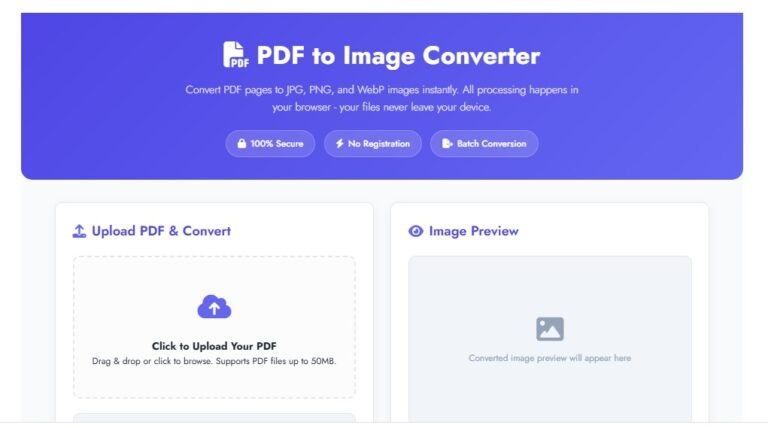
PDF to Image Converter | Convert PDF Pages to JPG, PNG, WebP Online Free
PDF to Image Converter: Convert PDF Pages to JPG, PNG, WebP | MBtoKBConverter PDF to Image Converter Convert…